Hello Tokenhot: A Unified API Gateway for Multi-Model Apps
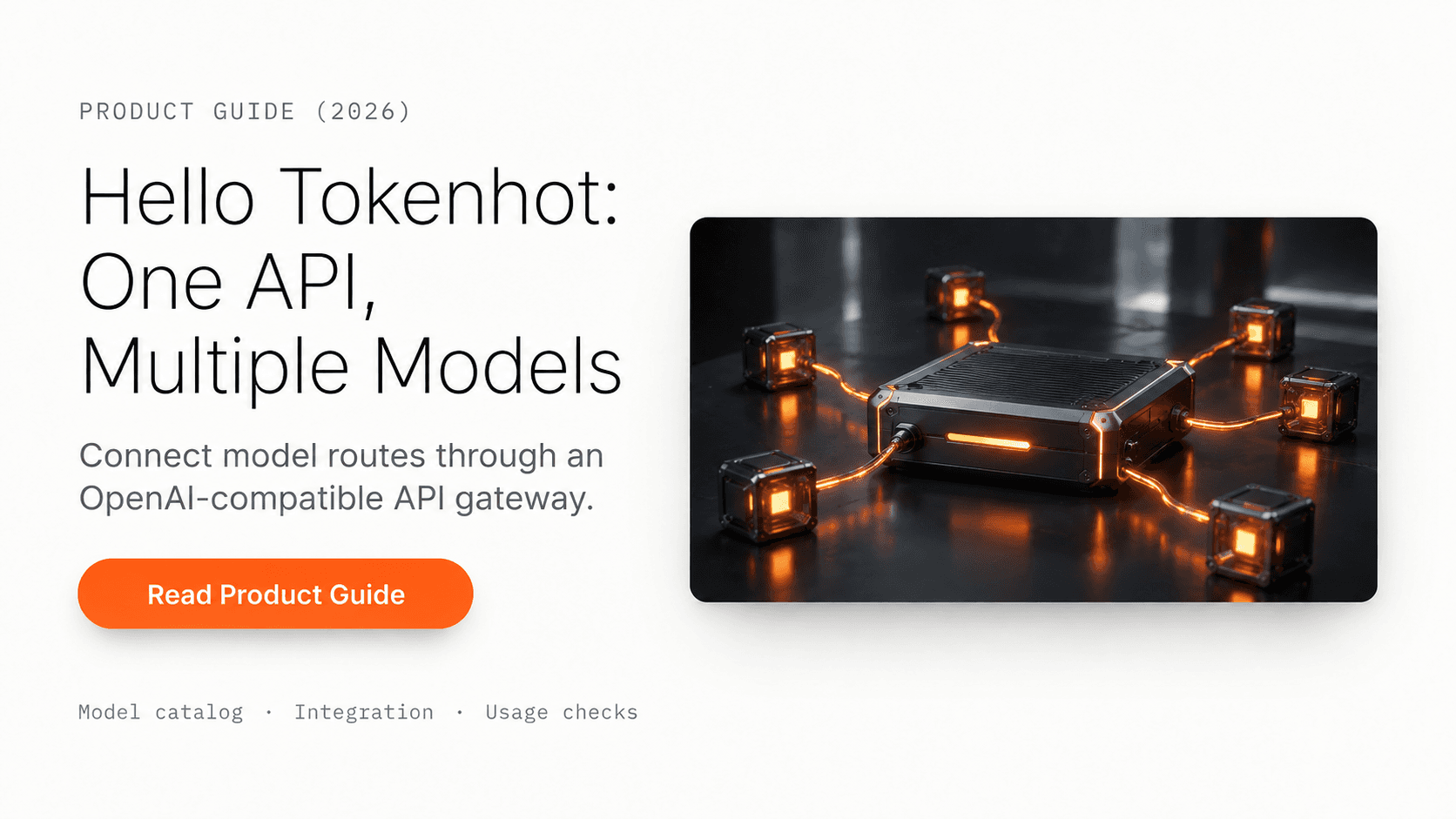
An AI application can need more than one kind of model: a compact model for routine requests, a reasoning model for difficult work, and an image or video model for media generation. Each addition brings another integration, credential, billing setup, and set of operational details.
We built Tokenhot to make that multi-model setup easier to manage. Tokenhot provides a shared API service with OpenAI-compatible chat access to model families such as GPT, Claude, Gemini, and DeepSeek. You select the route that fits the task while keeping a familiar client interface. The quick-start documentation shows the base URL, authentication, and basic request format.
This introduction was updated on September 14, 2026. The model catalog is the place to check current identifiers and prices rather than relying on a fixed catalog count in a launch article.
One starting point for several model families
For a standard chat request, your application sends messages to https://api.tokenhot.ai/v1/chat/completions with a Tokenhot bearer key. If you use the OpenAI SDK, configure its base URL as https://api.tokenhot.ai/v1 and choose a supported model name.
That shared interface gives you a practical place to start when testing different models. You can keep prompt construction, response handling, and application-level measurements together instead of building an entirely separate client for every experiment.
Compatibility still depends on the operation and model. A basic chat request does not establish support for every tool option, structured-output feature, reasoning control, or endpoint offered by another provider. Read the relevant API documentation before transferring a more advanced workflow.
Make your first request
Create a key in the Tokenhot console, select a model from the catalog, and set TOKENHOT_API_KEY and TOKENHOT_MODEL in your server environment. Install the OpenAI Python SDK with pip install openai, then use:
import os
from openai import OpenAI

client = OpenAI(
    api_key=os.environ["TOKENHOT_API_KEY"],
    base_url="https://api.tokenhot.ai/v1",
    timeout=120.0,
    max_retries=0,
)

response = client.chat.completions.create(
    model=os.environ["TOKENHOT_MODEL"],
    messages=[{
        "role": "user",
        "content": "Suggest three checks for a reliable API integration."
    }],
)
print(response.choices[0].message.content or "")
print(response.usage)
This is a documentation-based starting example, not a live performance test. It uses an explicit timeout and disables automatic retries for the first diagnostic call. After that call succeeds, configure retries and timeouts for your workload and test the features your application actually uses.
Keep the key in server-side configuration. Your frontend should call your application's backend rather than exposing a service key in browser code. For a DeepSeek-specific walkthrough, see using the DeepSeek API outside China.
Compare models using the work you need done
A useful model comparison starts with a representative task and an acceptance rule. For extraction, check whether the output matches the schema and source. For coding, run the relevant tests. For a customer-facing answer, evaluate factual support and whether the response solves the request.
Record the chosen model route, input size, output settings, completion time, failures, and billed usage. Those measurements reveal whether a route is a good fit more clearly than a single headline price or latency claim.
Use the current catalog rate for the route you select. Input and output can have different prices, caching can change the bill, and media generation may use a different billing unit. The LLM API pricing comparison explains how to calculate a workload estimate and keep first-party vendor rates separate from gateway quotes.
Media workflows have their own request lifecycle
Image and video generation should be integrated from the selected model's documentation. For example, Tokenhot's Seedance 2.5 API documents a video-generation request with a content array and an asynchronous task response. That is a different workflow from reading a completed chat answer.
Plan for task tracking, failed jobs, output retrieval, and storage when your application generates media. Check supported resolution, duration, input references, and billing before creating a larger batch. Our Sora API migration guide walks through the decisions involved in moving an existing video workflow.
Know how your route handles data
Tokenhot's published privacy agreement describes request metadata used for billing and operations, possible temporary caching of prompts and generated content, and forwarding request content to upstream model providers. Their own policies also apply to that processing.
Choose the route and data settings that fit your workload, and review the applicable terms before sending sensitive material. If your organization requires a particular retention period, processing region, or contractual commitment, confirm those requirements for the service and upstream route you plan to use.
Build for observable failures
A gateway can simplify the service boundary your application integrates with, but your application still needs to handle failed requests and interrupted streams. Use explicit deadlines, retain request identifiers where available, and distinguish a complete answer from partial output.
Before expanding traffic, exercise authentication failures, rate limits, timeouts, and model-specific errors in an appropriate test environment. Verify how retries affect usage and whether changing routes affects output behavior. Set alerts around the results your users experience, including success rate and completion time.
Tokenhot gives you a common starting point for that work. Open the model catalog, choose a supported route, and make a small request using the quick start. Then validate the quality, cost, and operational behavior that matter to your application.
Tokenhot brings multiple AI model families into one API service. Start with a familiar chat interface, choose the model route your application needs, and check its pricing, supported features, and data handling before expanding into production.