Text, Image, or Reference Video? How to Choose an AI Video API Input
Decide between text-to-video, frame-based generation, reference video and extension by the control you need, with route-specific input examples.
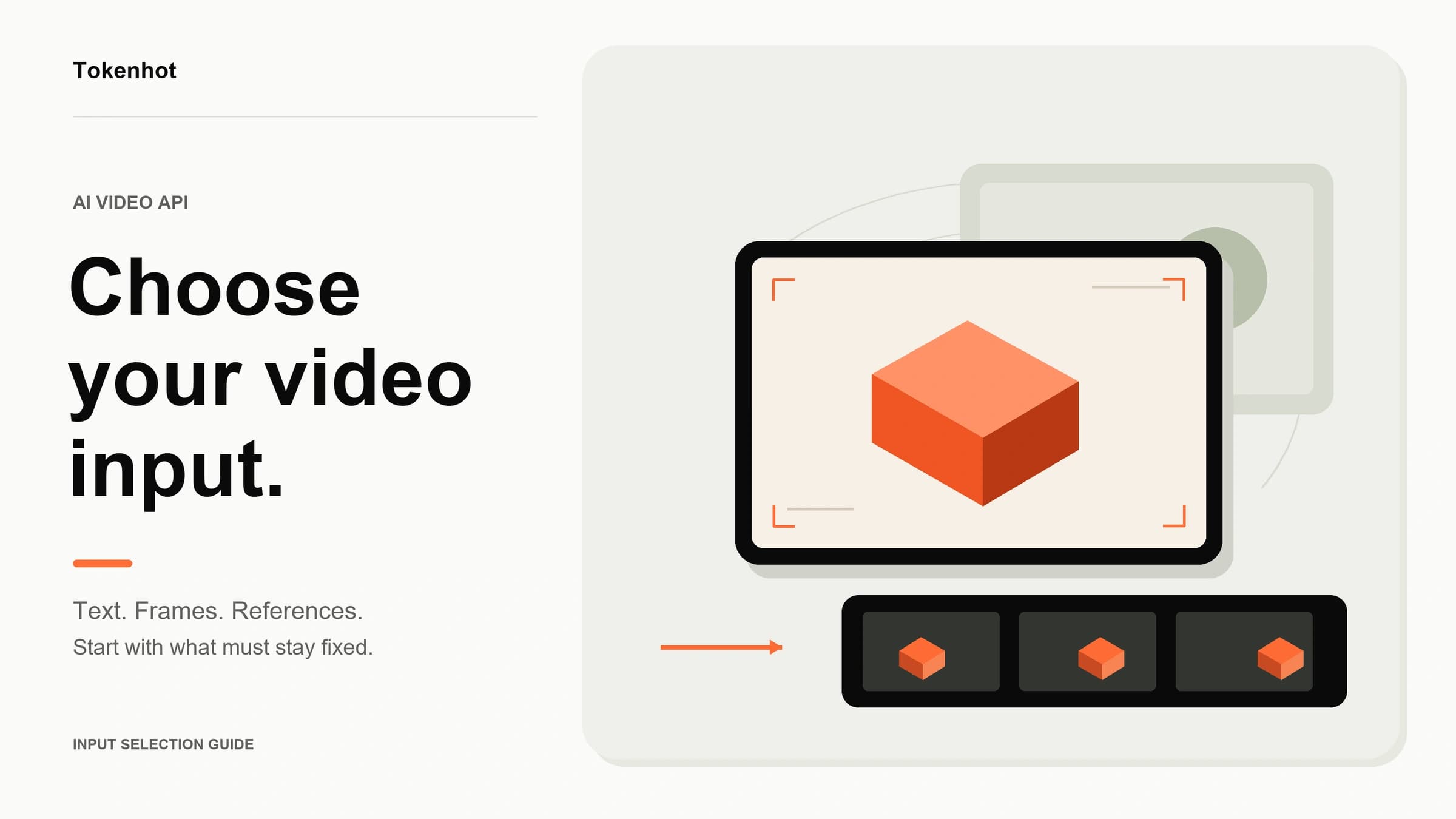
You have one approved product photo and need a video. If the instruction is “Start from this exact image,” choose a first-frame input. If it is “Use this product as a reference and shoot a new angle,” choose a reference-image input. Choose the image’s role first, then a route that supports it.
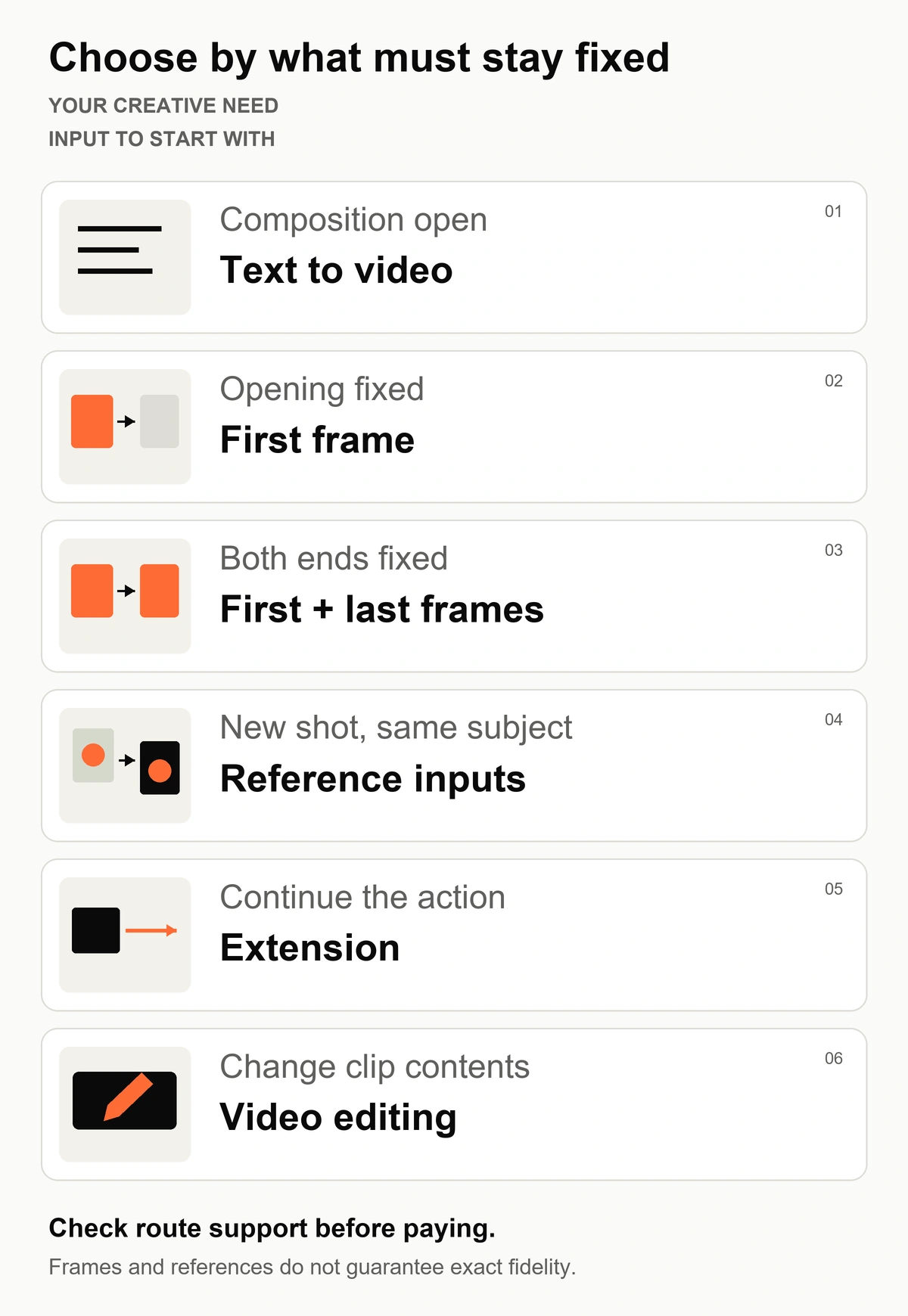
Use text-to-video when composition is open, first/last frames when both visual boundaries are fixed, and extension when you want to continue an existing clip's action.
Match the input to the creative decision
| Your material and desired result | Start with | What you must verify |
|---|---|---|
| A written description; composition is open | Text-to-video | Duration, resolution, aspect ratio and audio setting |
| One approved product photo; motion should start there | First-frame generation | Asset limits, layout, product fidelity |
| Two approved images; transition must end at the second | First/last-frame generation | Compatible composition, role order, supported combination |
| Product/character images and a motion example; new shot | Reference-to-video | Supported reference roles, count, duration and identity controls |
| An existing video whose action should continue | Video extension | Whether the API takes a media URL or a previous task ID |
| An existing video whose contents should change | Video editing | Whether the route supports editing rather than continuation |
A reference guides the shot; a frame fixes an image’s place in the sequence. Check the output for packaging text, brand colors and identity: neither input guarantees exact preservation. For product media, make those checks part of acceptance.
Compare the request structures, not just the model names
MiniMax H3 separates frame inputs from reference inputs within its content array. In the H3 reference, use text and a supported frame role for a fixed composition; reference roles are a distinct mode. Do not combine the two role families in the same request.
In H3’s content array, this item assigns an opening frame. Replace the placeholder with an authorized, retrievable media URL and supply the route’s required request fields:
{
  "type": "image_url",
  "image_url": {"url": "https://example.com/opening.jpg"},
  "role": "first_frame"
}
For a new composition guided by that image, use reference_image. H3’s text-only mode requires a concrete aspect ratio; frame mode uses the image’s ratio. Complete the other fields from the documented request example.
Wan 3.0 expresses media roles differently: an item belongs in input.media with a type and a url. For an opening frame, put this item in that array:
{
  "type": "first_frame",
  "url": "https://example.com/opening.jpg"
}
Wan also keeps frame and reference roles mutually exclusive. Its extension mode takes reference_video with an adaptive ratio, with combined input/output duration limited to 30 seconds for video input. The source must also meet the route’s individual asset limits.
Kling 3's frame reference uses file_infos entries with capitalized property and role names such as Usage: "FirstFrame". Keep that capitalization and nesting in the payload. For a two-frame request, follow the full Kling first/last-frame guide.
Make the creative specification before building the payload
For the catalog shot, list the details you will check in the result: silhouette, label wording, color and packaging geometry. Then describe the motion for your chosen input. With the approved photo as the opening frame, a hypothetical direction is “A slow push-in from the opening composition, with the package stationary.” For a reference-based new angle, it could be “Show the package from a three-quarter angle with a slow camera arc.” Judge either result against the same product checks.
Before paying for a generation, confirm the account’s model access, applicable price and failed-job charging rules, then inspect the request:
- Confirm the model ID and input mode for the chosen route.
- Confirm the role vocabulary and nesting. Inspect the actual serialized JSON, not the field names displayed by an SDK.
- Confirm asset reachability, supported file type, dimensions, duration and total request size. A browser preview is not necessarily a retrievable media URL.
- Set output duration, resolution and aspect ratio where the route expects them; some frame modes derive the ratio from the image.
- Check audio input and output separately: an audio reference does not establish whether the result includes generated audio.
Decide whether to continue or regenerate
If a clip already has the right opening and motion but ends too early, check the extension contract. Wan takes a video reference URL; other routes may require a completed parent task ID. Keep the original file and task record. Before adding the extension to your timeline, check continuity and whether it contains new footage only or the full sequence.
If the first shot is wrong, regenerate with corrected frame or reference assets. Count each new generation as another attempt when evaluating cost.
Build the request for your choice
- Text or image guidance: open the H3 input scenarios and request example and choose its text, frame or reference mode.
- Continue an existing clip: use the Wan 3.0 reference for the video URL, adaptive ratio and duration limits.
- Move between two approved images: follow the Kling first/last-frame walkthrough to build the two-frame payload and save the result.
With the price and input checks complete, run one small authorized job. Inspect its actual media against your acceptance criteria before starting a batch.